How to Make Free Online Video Calls Easily
June 26, 2026 14 min read 2,739 words
Connect with customers, colleagues, and suppliers instantly, enhancing your ecommerce operations.
Start Calling Now
Understanding Free Video Conferencing for Your Business
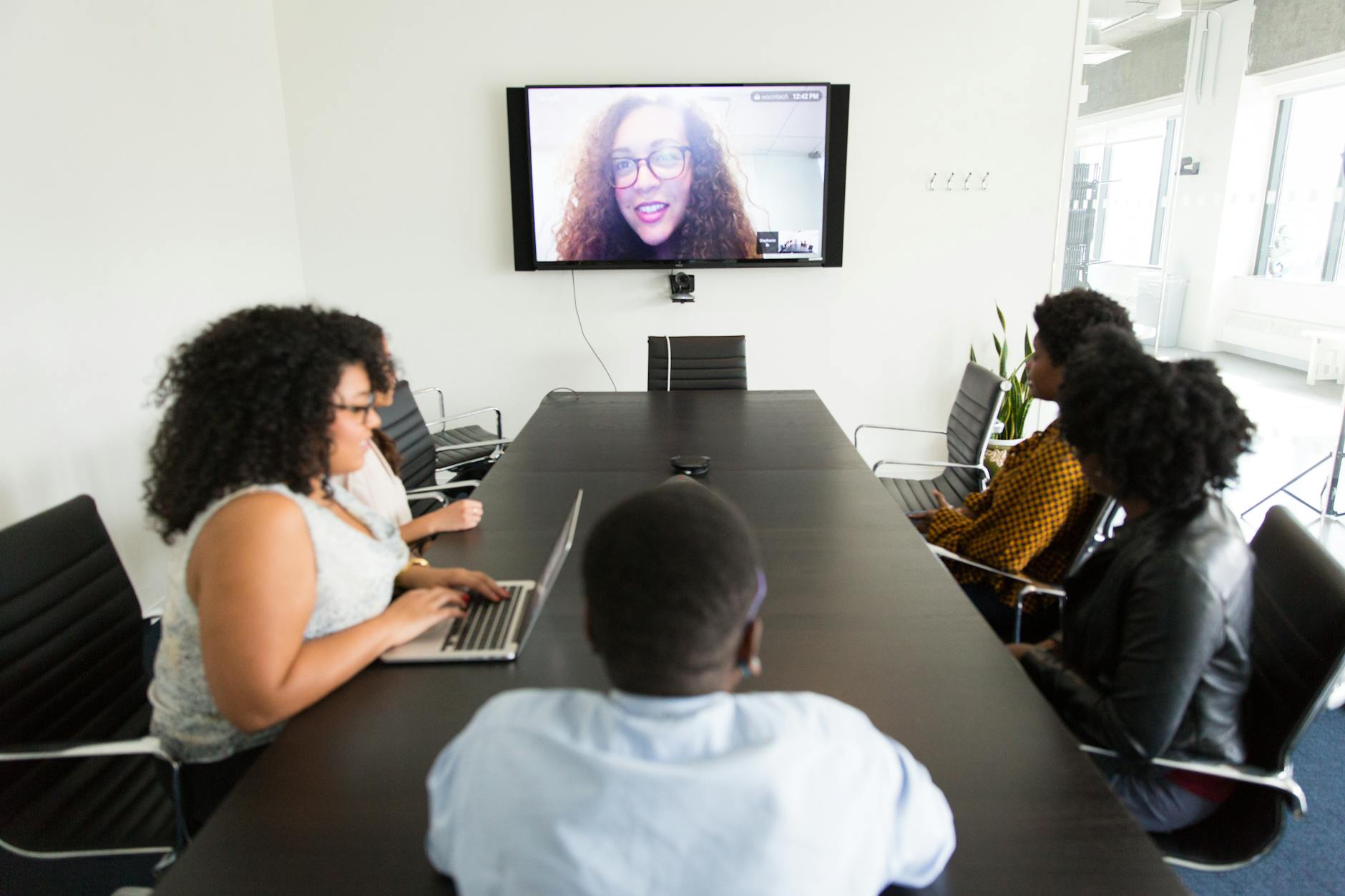
 Photo: Kampus Production / Pexels
In today's fast-paced digital landscape, the ability to connect instantly and visually has become a cornerstone of successful business operations, especially within the ecommerce sector. The question of how to make free online video calls isn't just about saving money; it's about leveraging powerful communication tools to streamline workflows, enhance customer interactions, and foster stronger team collaboration. Many entrepreneurs and small business owners in the US often assume that high-quality video conferencing comes with a hefty price tag, but this is far from the truth. A plethora of platforms now offer incredibly robust free tiers, providing essential features that can significantly benefit an ecommerce business without incurring additional overheads. These free services typically include capabilities like hosting a certain number of participants, screen sharing, chat functions, and sometimes even basic recording. For an ecommerce business, this translates into several tangible advantages. Imagine conducting a quick product demo for a potential client, holding a virtual team meeting with remote employees scattered across different states, or providing personalized customer support, all through a free, high-definition video call. The immediacy and personal touch offered by video calls can dramatically improve conversion rates and customer satisfaction. It bridges the geographical gap, making your business feel more accessible and human in an increasingly digital world. Furthermore, the ease of access and minimal technical requirements mean that even those less tech-savvy can quickly adapt. All you typically need is a stable internet connection, a device with a camera and microphone (which most modern laptops and smartphones already possess), and a free account on your chosen platform. This low barrier to entry makes free online video calls an indispensable tool for any ecommerce venture looking to optimize its communication strategy and scale efficiently. Exploring the various options available is the first step towards unlocking this powerful resource for your business. For more insights on optimizing your online business, check out our guide on
ecommerce marketing strategies.
Top Platforms for Free Online Video Calls
When considering how to make free online video calls, selecting the right platform is paramount. While many options exist, a few stand out for their reliability, feature sets, and ease of use, particularly for ecommerce businesses. Each platform has its unique strengths, catering to slightly different needs, but all offer a solid foundation for cost-free visual communication.
**Zoom:** Perhaps one of the most recognized names in video conferencing, Zoom offers an incredibly popular free tier. It allows hosts to conduct meetings with up to 100 participants for up to 40 minutes per session. For one-on-one calls, there's no time limit. Key features include screen sharing, virtual backgrounds, chat, and breakout rooms (though some advanced features might be limited in the free version). Its widespread adoption means many people are already familiar with its interface, reducing the learning curve for your team and clients. It's an excellent choice for quick team huddles, brief customer consultations, or even short virtual workshops.
**Google Meet:** Integrated seamlessly with Google Workspace (formerly G Suite), Google Meet is an excellent option for businesses already using Google's ecosystem. The free version allows up to 100 participants for up to 60 minutes per meeting. It boasts a clean interface and strong security features. Users can easily share their screens, use real-time captions, and integrate with Google Calendar for effortless scheduling. For ecommerce businesses that rely heavily on Gmail, Google Drive, and other Google services, Meet provides a cohesive and convenient communication solution without leaving their familiar environment.
**Skype:** A long-standing player in the video calling arena, Skype remains a viable option for free online video calls. It allows group video calls with up to 100 participants, though performance can sometimes vary with very large groups. Skype offers screen sharing, call recording (for a limited time), and instant messaging. Its strength lies in its ubiquity and its ability to call landlines and mobile phones at competitive rates (though these are paid features). For basic, reliable video calls, especially with international contacts where Skype has a strong presence, it's a solid choice.
**Microsoft Teams:** While often seen as an enterprise solution, Microsoft Teams also offers a free version that supports video calls. It allows up to 100 participants for up to 60 minutes per meeting. Teams excels in its integration with the Microsoft Office suite, making it ideal for businesses that heavily use Word, Excel, and PowerPoint. It offers robust chat features, file sharing, and project management capabilities alongside video conferencing. For ecommerce businesses looking for an all-in-one collaboration hub, the free version of Teams can be a powerful starting point.
**FaceTime (Apple Ecosystem):** For businesses and individuals primarily operating within the Apple ecosystem, FaceTime offers high-quality, secure video calls for free. It supports group calls with up to 32 participants. While it lacks some of the advanced business-centric features of other platforms, its ease of use and native integration make it a strong contender for quick, informal calls among Apple users.
Each of these platforms provides a compelling answer to how to make free online video calls, offering a balance of features and accessibility. Your choice will likely depend on your specific business needs, existing tech stack, and the preferences of your team and customers.
For more options, check out monkey-app.net.
Maximizing Your Free Video Call Experience
Simply knowing how to make free online video calls is only half the battle; maximizing the effectiveness of these calls is where real value for your ecommerce business lies. A well-executed video call can be a game-changer, fostering stronger relationships with clients, improving internal communication, and boosting productivity. Conversely, a poorly managed call can lead to frustration, wasted time, and a negative impression.
One of the most critical aspects is ensuring a stable internet connection. Even the best free platforms can't compensate for a weak or intermittent signal. Advise all participants to connect via an Ethernet cable if possible, or to be close to their Wi-Fi router. Minimize other bandwidth-intensive activities during calls, such as large downloads or streaming.
Audio and video quality are next. Invest in a decent external microphone if your built-in laptop mic is subpar. Good lighting is also crucial; position yourself facing a window or a soft light source rather than having a bright light behind you, which can silhouette your image. A clean, professional background, or a tasteful virtual background, can significantly enhance your presentation. Avoid cluttered or distracting environments.
Preparation is key for any successful meeting. For customer calls, have all relevant product information, order details, or support documents readily available. For internal team meetings, create a clear agenda and share it in advance. This helps keep discussions focused and ensures all necessary topics are covered within the free tier's time limits. Utilizing the chat function for sharing links, documents, or quick questions can prevent interruptions and keep the main discussion flowing smoothly.
Screen sharing is an invaluable feature for ecommerce businesses. Use it to walk customers through your website, demonstrate new product features, or present sales data to your team. Always test screen sharing before the call to avoid technical glitches. Remember to close any sensitive or irrelevant tabs before sharing your screen.
Finally, practice good video call etiquette. Mute your microphone when not speaking to minimize background noise. Look directly into your camera to simulate eye contact. Be mindful of your body language and expressions, as they are often amplified on screen. Encourage active participation, but also manage the flow of conversation to ensure everyone has a chance to speak. By implementing these strategies, your free online video calls will not only be cost-effective but also highly productive and professional, further strengthening your ecommerce operations. Discover more ways to enhance your online presence with our guide on
building an effective online store.
Common Pitfalls and Best Practices for Free Video Calls
While learning how to make free online video calls is straightforward, avoiding common pitfalls can significantly improve your overall experience and the effectiveness of your communication. Many users, especially those new to frequent video conferencing, can fall into traps that diminish the quality and productivity of their calls. Understanding these issues and adopting best practices will ensure your free video calls are as professional and efficient as possible for your ecommerce business.
**Common Pitfalls:**
* **Poor Audio Quality:** This is arguably the biggest culprit for frustrating calls. Background noise, echoing, or muffled voices can make communication impossible. Relying solely on a laptop's built-in microphone in a noisy environment is a common mistake.
* **Unstable Internet Connection:** Dropped calls, frozen screens, and choppy audio/video are direct results of an unreliable internet connection. This is particularly problematic for businesses dealing with customer inquiries or sales pitches.
* **Lack of Preparation:** Jumping into a call without an agenda or clear objectives leads to rambling discussions, wasted time, and unmet goals. This is exacerbated by time limits on free tiers.
* **Distracting Backgrounds:** A messy room, inappropriate decor, or busy movement in the background can detract from your professional image and distract other participants.
* **Poor Lighting:** Being backlit or in a dimly lit room makes you difficult to see, impacting non-verbal communication.
* **Forgetting to Mute:** Background noises like barking dogs, typing, or household sounds can disrupt the entire call if microphones aren't muted when not speaking.
**Best Practices for Success:**
* **Test Your Setup:** Always do a quick audio and video test before joining any important call. Most platforms have a built-in test feature. Ensure your camera, microphone, and speakers are correctly selected.
* **Optimize Your Environment:** Choose a quiet location with good lighting. Face a natural light source (like a window) or use a soft, diffused light in front of you. Declutter your background or use a professional virtual background.
* **Use a Headset/External Mic:** A good quality headset with a microphone significantly improves audio clarity by reducing echoes and filtering out background noise. This is a small investment with a huge payoff.
* **Ensure a Stable Connection:** If possible, use a wired Ethernet connection. If on Wi-Fi, ensure you are close to your router and minimize other internet usage during the call. Consider upgrading your internet plan if frequent issues persist.
* **Prepare an Agenda:** For any business call, create and share an agenda beforehand. This keeps everyone focused, ensures all points are covered, and helps manage time effectively, especially with free tier limitations.
* **Practice Good Etiquette:** Mute your microphone when not speaking. Avoid multitasking during the call. Look into the camera when talking to simulate eye contact. Be punctual. These small actions contribute to a respectful and productive meeting environment.
* **Utilize Features Wisely:** Learn how to use screen sharing, chat, and hand-raising features effectively. These tools can enhance collaboration and streamline communication, preventing unnecessary interruptions.
* **Record When Possible (and Permitted):** If your free tier allows, and with all participants' consent, recording the meeting can be useful for those who couldn't attend or for reviewing key decisions. Be mindful of privacy regulations.
By proactively addressing these common pitfalls and consistently applying best practices, your ecommerce business can leverage free online video calls to their fullest potential, maintaining professionalism and efficiency in all your virtual interactions.